Examples of usage of filters
Here we show how to use node and element filters. The main Muscat modules used in this example are listed below:
ElementFilter: allows for filtering the elements within your mesh.
NodeFilter: allows for filtering the nodes within your mesh.
IntersectionFilter: useful for combining intersecting filters together.
UnionFilter: useful for combining filters together.
from Muscat.Containers.Filters.FilterTools import ElementFilter, NodeFilter
from Muscat.Containers.Filters.FilterOperators import UnionFilter, IntersectionFilter
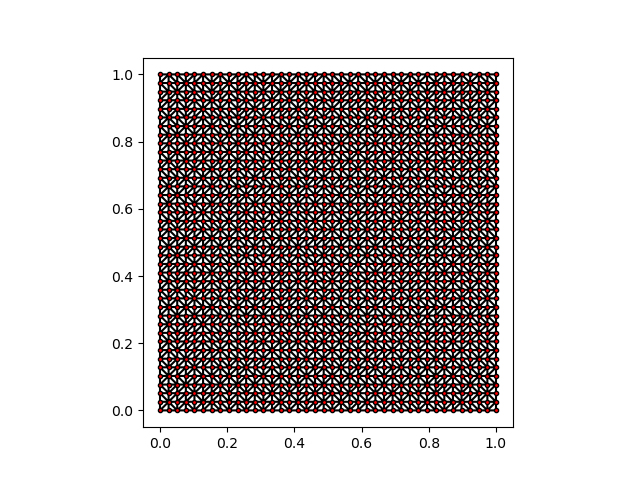
For this simple example, we generate a dummy mesh using scipy.spatial.Delaunay, and create a Mesh object using Muscat.Containers.MeshCreationTools.
import numpy as np
from scipy.spatial import Delaunay
from Muscat.Containers import MeshCreationTools as UMCT

def create_mesh_example():
    """This function creates a dummy mesh using Delaunay triangulation.
    """
    # Create a grid of points
    x, y = np.meshgrid(np.linspace(0,1,10), np.linspace(0,1,10))
    points = np.stack([x.ravel(), y.ravel()], axis=1)
    # Generate the triangles with Delaunay
    tri = Delaunay(points)
    triangles = tri.simplices
    # Create a Muscat Mesh using the CreateMeshOfTriangles utility
    mesh = UMCT.CreateMeshOfTriangles(points, triangles)
    return mesh

mesh = create_mesh_example()
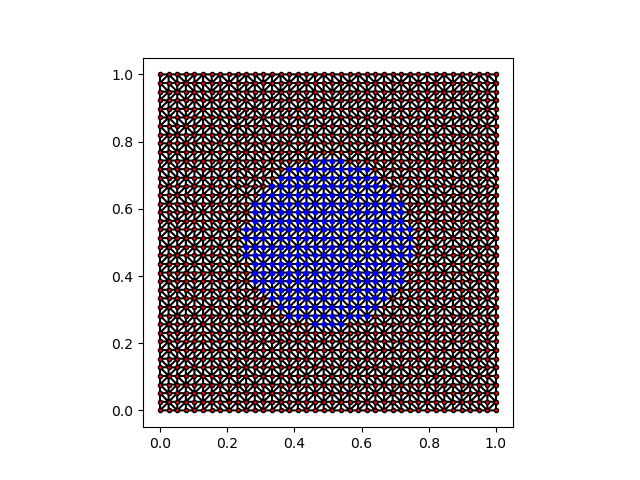
Node filters can be used to define sets of nodes satisfying an inequality constraint of the form \(f(x) < 0\).
In the example below, we select nodes that lie within the ball centered at \((0.5, 0.5)\) and with radius \(0.25\).
The node filter can then be used to get the indices of the nodes satisfying the constraint, which in turn can be used to create a new nodal tag.
nf = NodeFilter(zone=lambda p: (np.linalg.norm(p - 0.5, axis=1) - 0.25))
indices = nf.GetNodesIndices(mesh)
mesh.GetNodalTag("circle").AddToTag(indices)
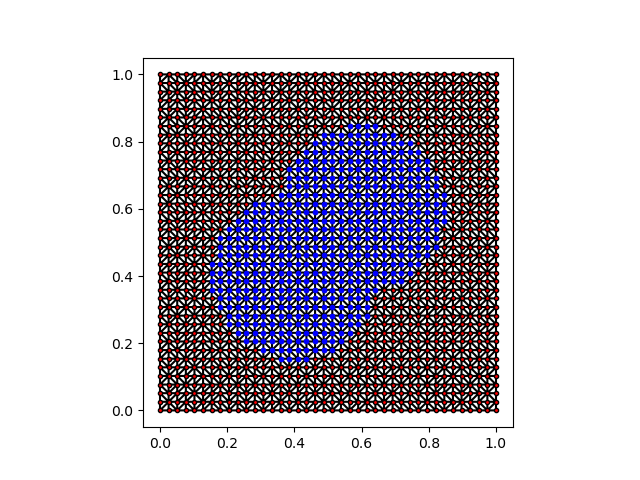
Multiple filters can be combined together using UnionFilter.
nf1 = NodeFilter(zone=lambda p: (np.linalg.norm(p - 0.6, axis=1) - 0.25))
nf2 = NodeFilter(zone=lambda p: (np.linalg.norm(p - 0.4, axis=1) - 0.25))
nf = UnionFilter(filters=[nf1, nf2])

indices = nf.GetNodesIndices(mesh)
mesh.GetNodalTag("two_circles_union").AddToTag(indices)
We can also compute the intersection of multiple filters using IntersectionFilter.
nf1 = NodeFilter(zone=lambda p: (np.linalg.norm(p - 0.6, axis=1) - 0.25))
nf2 = NodeFilter(zone=lambda p: (np.linalg.norm(p - 0.4, axis=1) - 0.25))
nf = IntersectionFilter(filters=[nf1, nf2])

indices = nf.GetNodesIndices(mesh)
mesh.GetNodalTag("two_circles_union").AddToTag(indices)
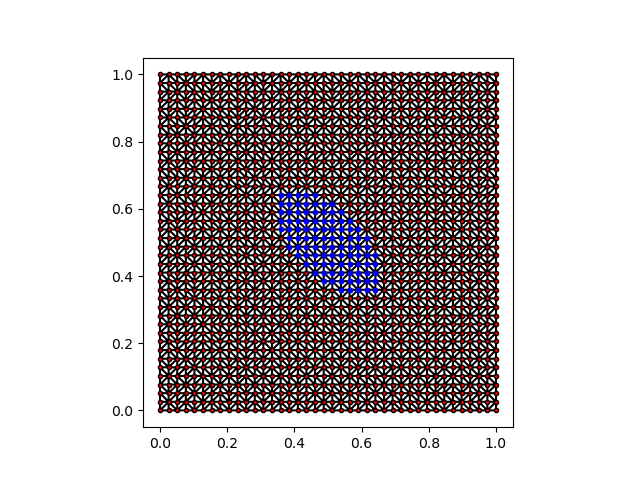
The same logic applies to ElementFilter in Muscat.
ne = ElementFilter(zone=lambda p: (np.linalg.norm(p - 0.5, axis=1) - 0.25))
indices = ne.GetNodesIndices(mesh)
mesh.GetNodalTag("circle_element_filter").AddToTag(indices)
Element filters can also be combined together in a similar fashion.
Elements and nodes filters can be used together to define new sets of nodes. As an illustration, applying the ComputeSkin method to our mesh creates a new mesh with an additional element tag Skin. The latter corresponds to the set of elements that lie on the boundary of the mesh.
from Muscat.Containers import MeshModificationTools as MMT

new_mesh = MMT.ComputeSkin(mesh)
print(new_mesh)
Printing the mesh shows all the tags that we added previsouly and the new Skin tag for elements.
Mesh
Number Of Nodes    : 1600
    Tags : (circle:600) (two_circles_union:502) (two_circles_intesect:98) (circle_element_filter:332)
Number Of Elements : 156
    ElementsContainer,   Type : (bar2,156),   Tags : (Skin:156)
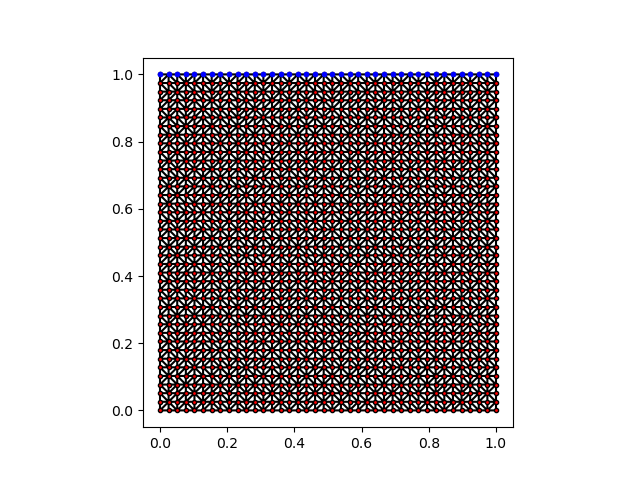
We can now easily determine the nodes that lie on the top of the mesh using a NodeFilter that only considers the elements belonging to Skin.
nf = NodeFilter(eTag="Skin", zone = lambda p: -p[:, 1] + 0.99)
indices = nf.GetNodesIndices(new_mesh)
new_mesh.GetNodalTag("top").AddToTag(indices)
The mesh now has a new nodal tag top:
Mesh
Number Of Nodes    : 1600
    Tags : (circle:600) (two_circles_union:502) (two_circles_intesect:98) (circle_element_filter:332) (top:312)
Number Of Elements : 156
    ElementsContainer,   Type : (bar2,156),   Tags : (Skin:156)